


ROLE
TIMELINE
TOOLS
UX Researcher/UI Designer
2 MONTHS
Figma, Photoshop, Google Form
Saving Faces Skin


Website Redesign For a Local Spa Salon
Saving Faces Skin


Website Redesign For a Local Spa Salon
Saving Faces Skin
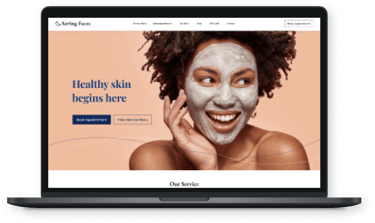
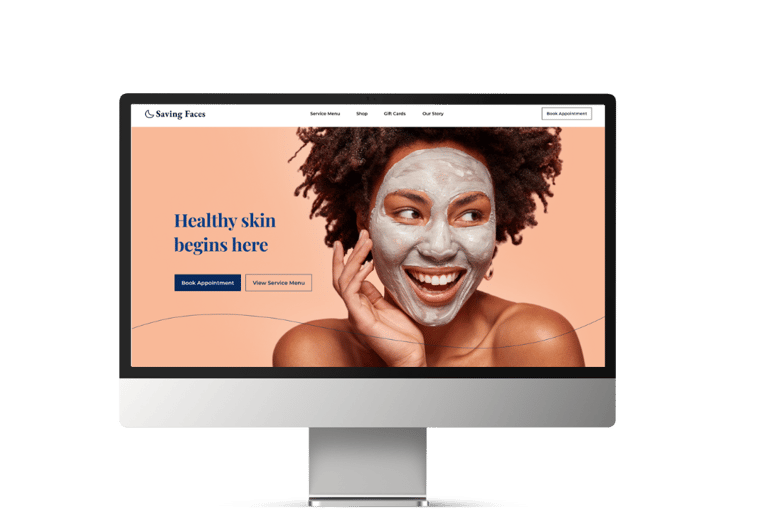
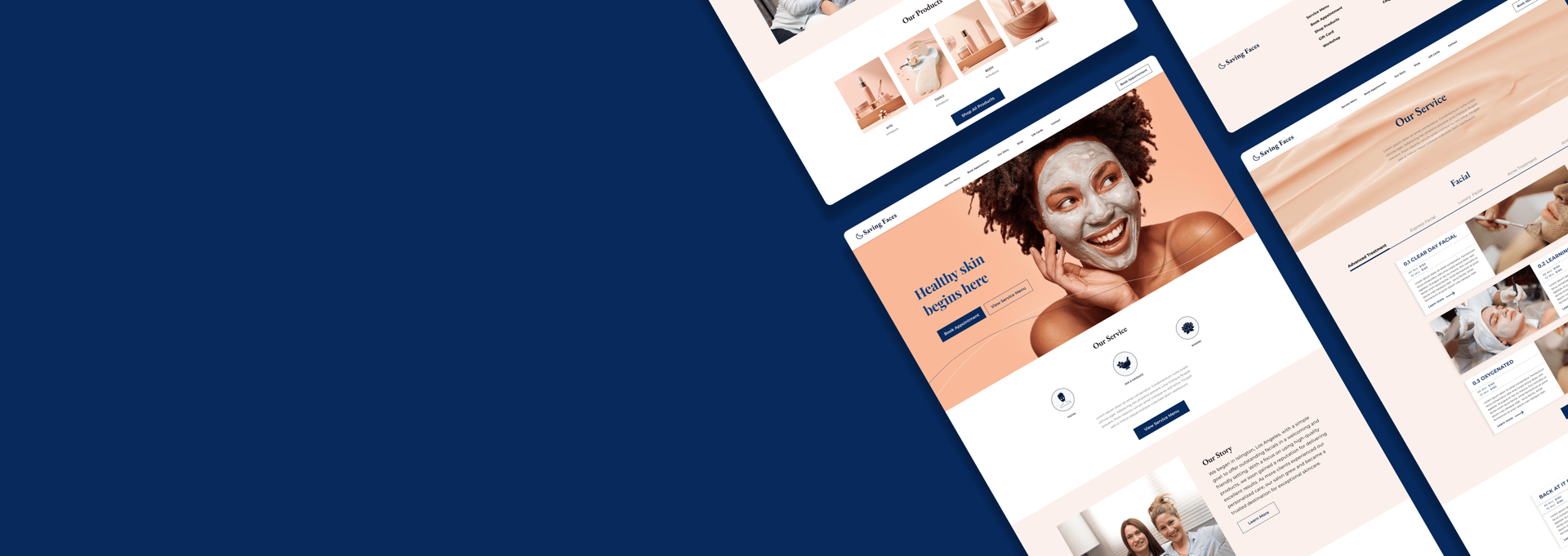
Saving Faces Skin is an organic skincare salon run by two friends. Their site looked warm, but the "Book" button went nowhere, services were impossible to navigate, and their glowing reviews were nowhere to be seen. We rebuilt it around the one thing a spa runs on: trust, and a booking that actually works.
Turning a spa's broken site
into a booking they can trust.
PROJECT OVERVIEW



A heuristic evaluation of the existing site surfaced the same story from every angle the basics of a service business were broken:
A beautiful brand with a site that couldn't book a single client.
THE PROBLEM


"Their reviews were glowing and their treatments loved but the website lost clients before they could book a single one."
No one uses the website to call and book services
Users stop finding services in the middle of their search
Reviews are high but there is no space on the website to display them
Problem Statement
DESIGN PROCESS
Business Goals
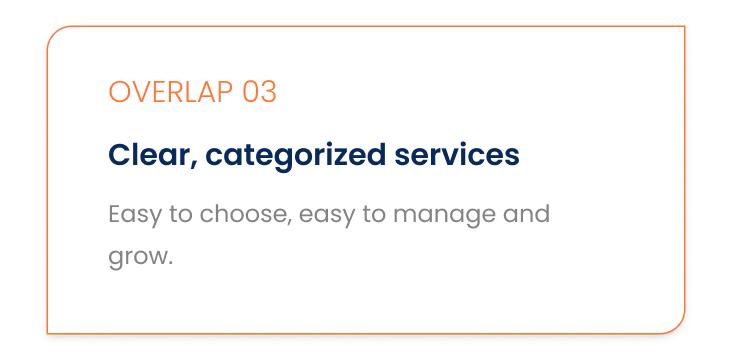
Categorize services: effectively to improve client accessibility and help users find and purchase services more easily.
Boost Product Sales: Streamline the process for browsing and purchasing organic skincare products.
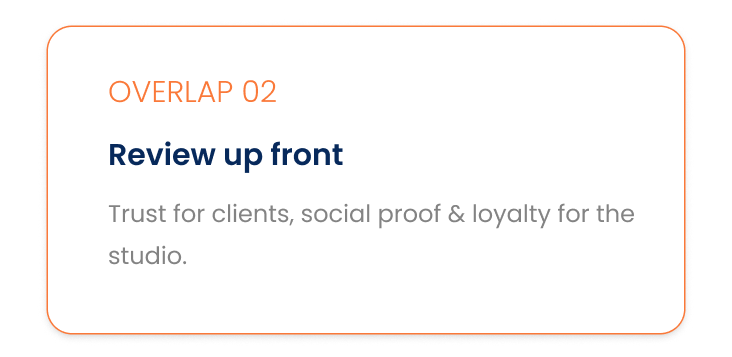
Display Customer Reviews: Integrate customer reviews to build trust and provide social proof.
Add a Gift Cart: Introduce a feature for users to purchase gift cards.
Introduce Workshops: Offer workshops to engage customers and provide additional value.
Enhance Customer Satisfaction: Improve overall user experience to boost satisfaction and loyalty.
Online Bookings: Implement a functional and user-friendly online booking system.
Design Thinking
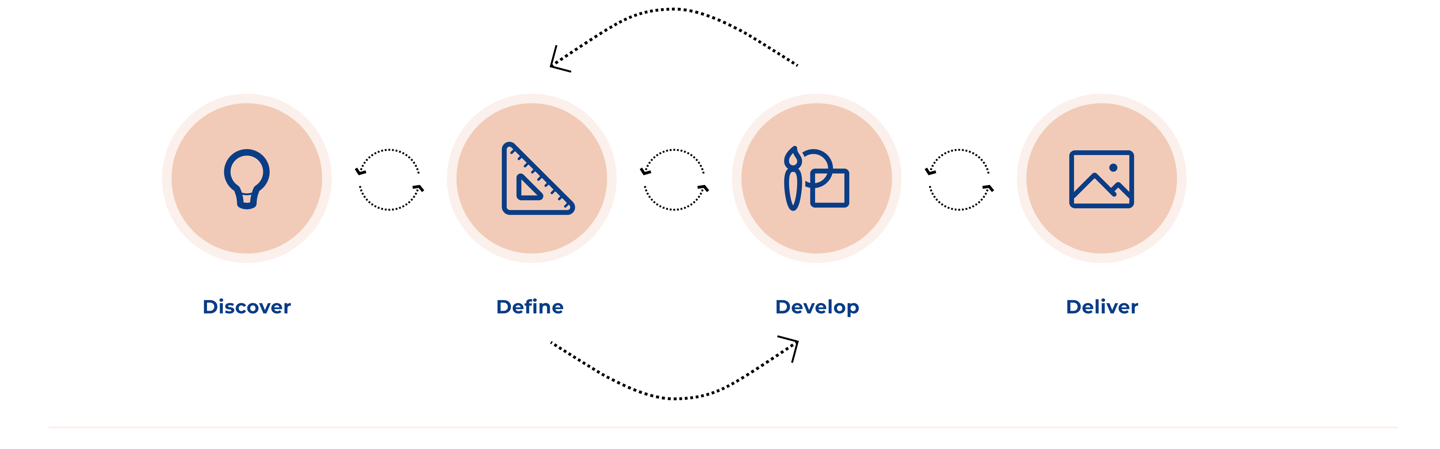
Discover
To understand the users pain points and develop effective solutions we employed a comprehensive research approach that consisted of the following methods:
Heuristic Evaluation
Competitive Analysis
Online Survey
1.
2.
3.
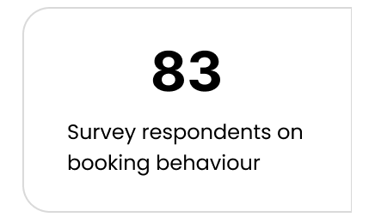
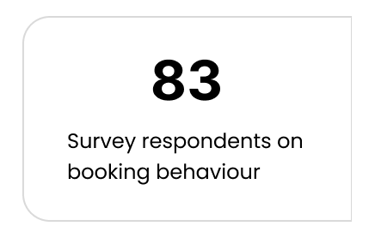
We combined a heuristic evaluation of the current system, a competitive analysis of other facial brands, and an 83-person survey into the deeper needs of skincare clients.
DISCOVER . RESEARCH
Three methods, one consistent signal.
We began with a heuristic evaluation, a process where the team analyzed the website’s usability in terms of navigation, clarity of information, consistency, and error prevention. The insights from this evaluation guided us in improving the browsing experience and making the website more user-friendly.
RESEARCH
Analysing The Current System
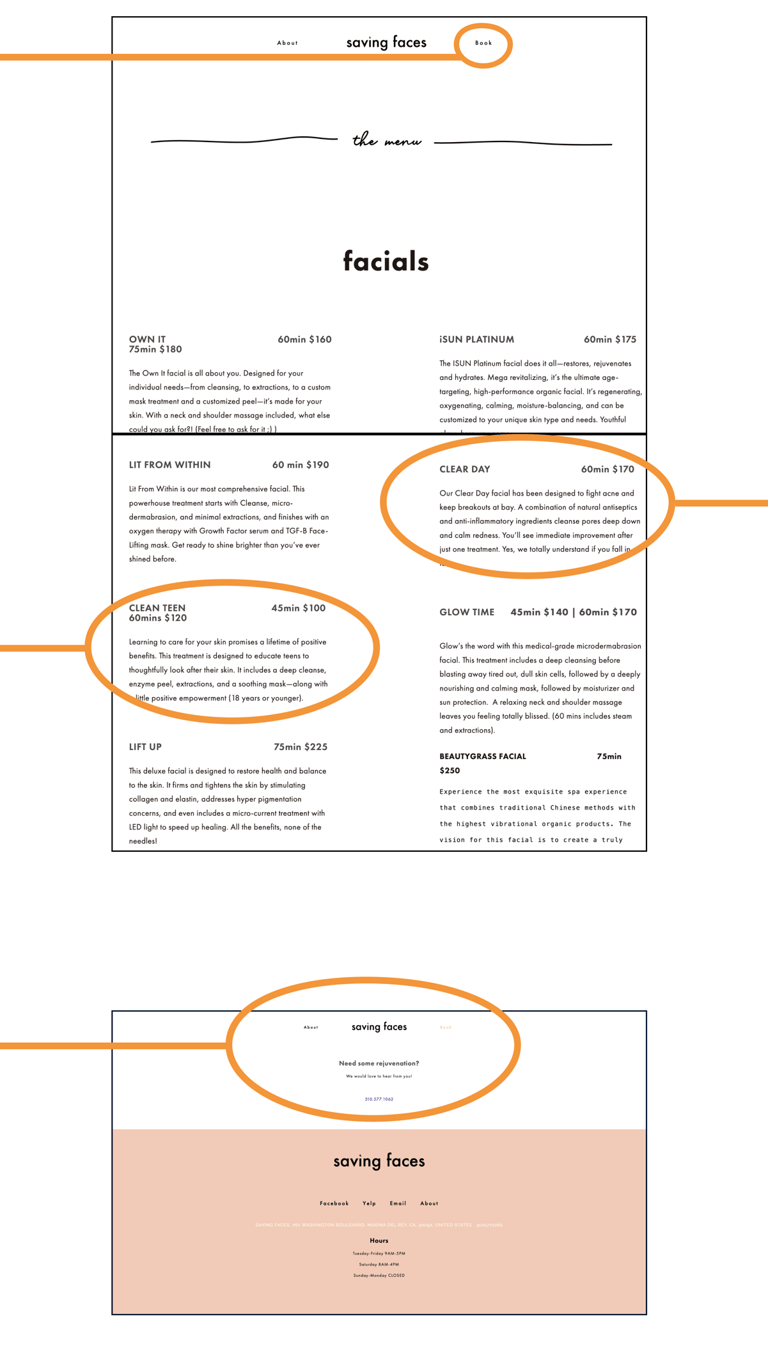
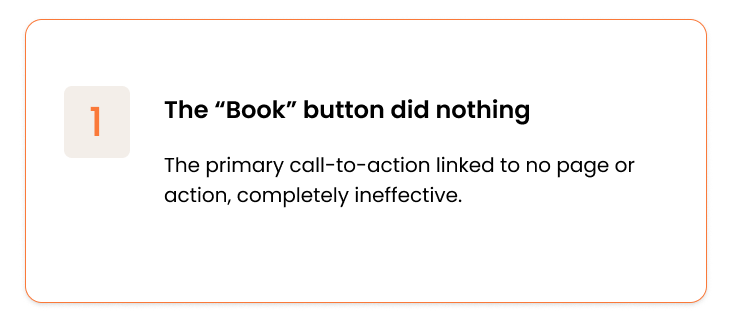
1.Non-functional "BOOK" button
.The "Book" button at the top of the page is non-functional; it doesn't lead to any action or page.
. No pages are linked to the "Book" button, rendering it completely ineffective.
3.Disorganized Service Navigation
. Disorganized information about services makes it challenging for users to find what they need.
. Users are unable to click on specific services, leading to difficult and frustrating navigation.
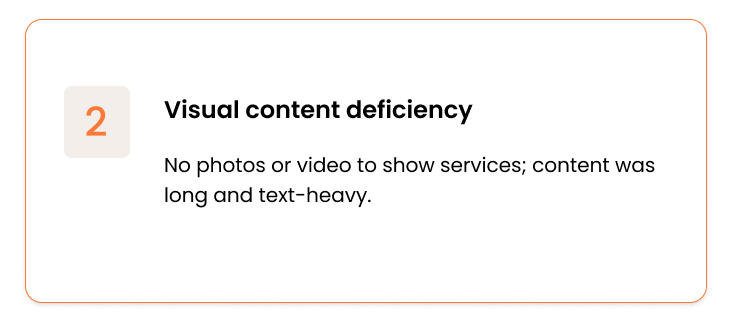
2.Visual Content Deficiency
. No pictures or videos to easily showcase services to clients.
.Content is overly long and text-heavy, making it difficult for users to quickly grasp information.
4.Reservation System and Address Visibility
. The reservation system was non-functional, causing issues for users attempting to book services.
. The website lacked address information and a map, making it difficult for users to locate the business.
Visibility of System Status
Aesthetic &Minimalist Design
Consistency and Standards
Error Prevention
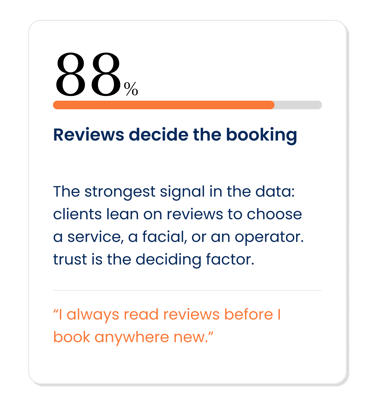
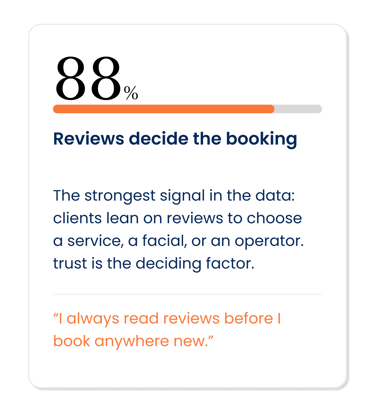
What 83 respondent told us
Shared goals:
where the two overlap, and what we designed for
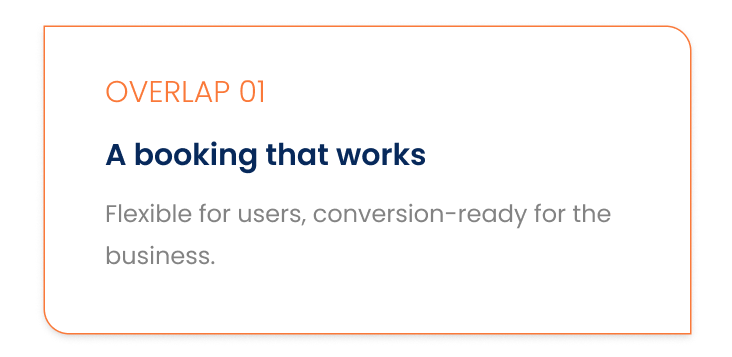
Where users and and the business aligned
DEFINE
From research to a structure users could trust.
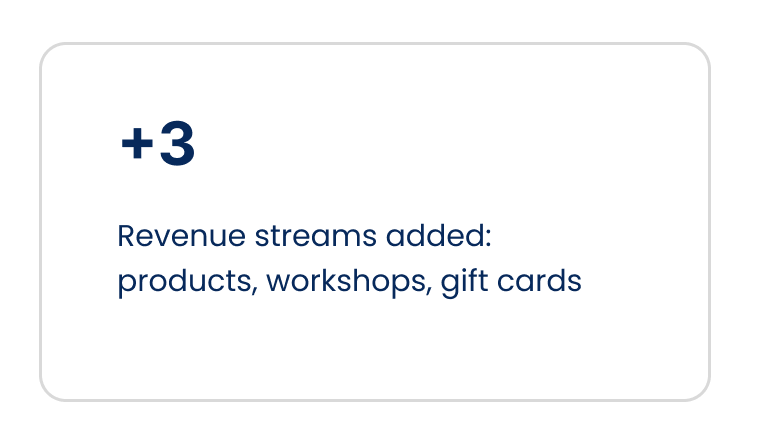
Exploring the salon's social media revealed services missing from the site entirely — skincare products and workshops. We confirmed with the owner (who welcomed adding them, plus positive Yelp reviews), then translated everything into prioritized user stories, a journey map, and a persona.
Information architecture — two-step card sort
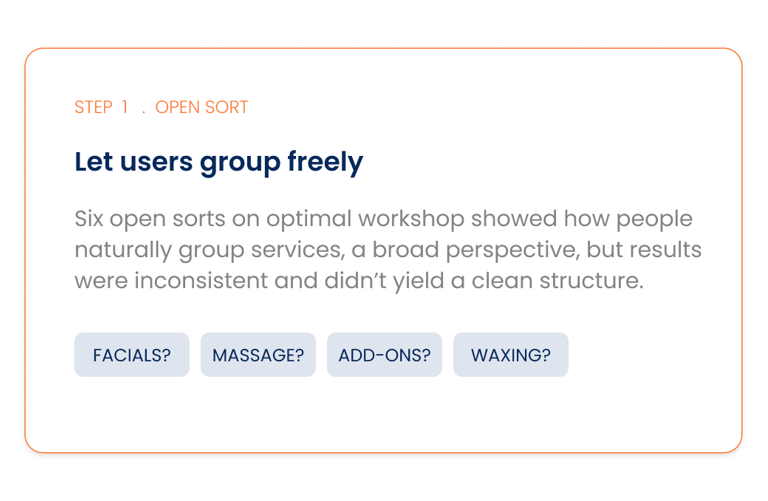
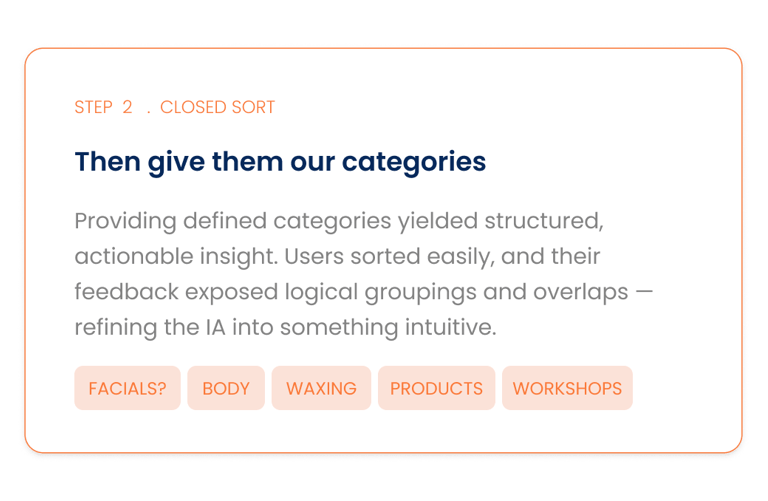
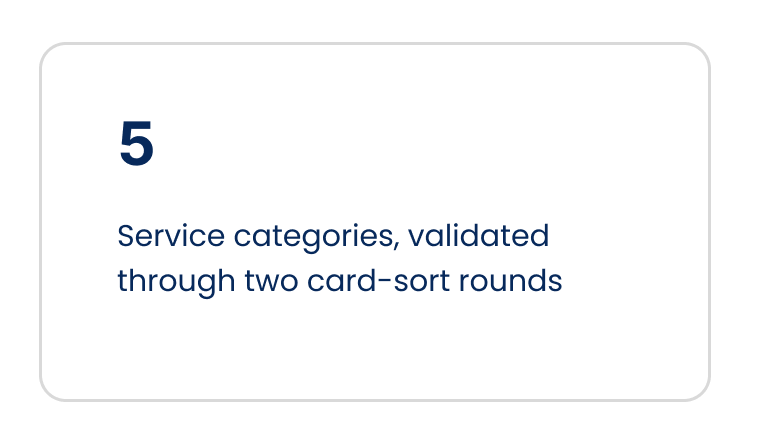
To rebuild navigation, we ran card sorting in two passes — and the contrast taught us how to structure the whole site.
What's Users Needs?
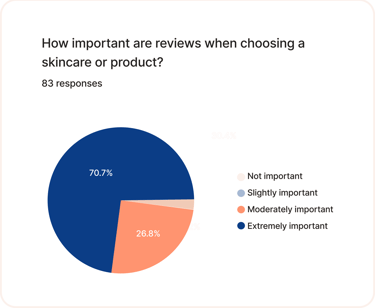
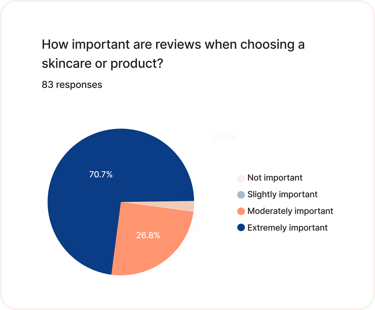
To understand users’ deeper needs, I created a survey and gathered insights from 83 respondents. Below are some of the key findings
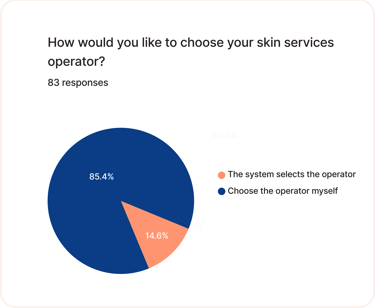
Reviews Matter: Participants emphasize the importance of reviews when selecting skincare services, facials, or operators.
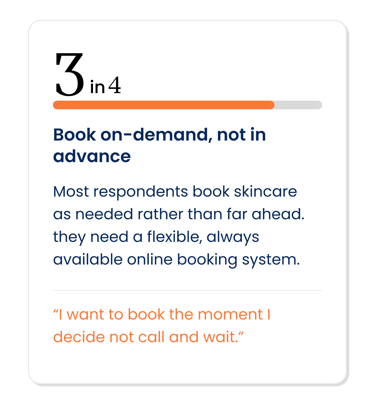
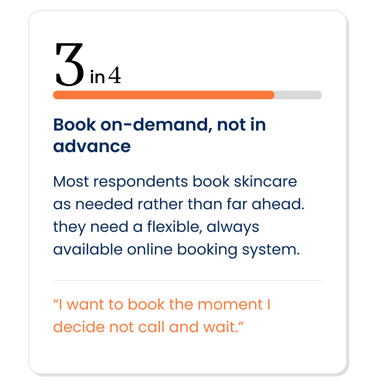
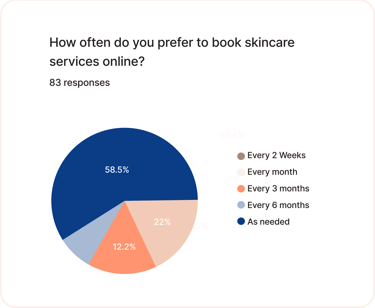
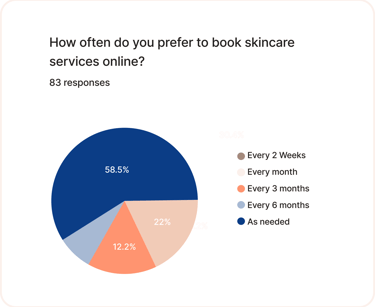
Flexible Booking: Users prefer booking skincare services on an as-needed basis, highlighting the need for a user-friendly, on-demand booking system.
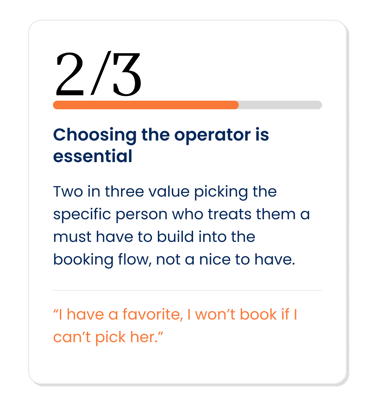
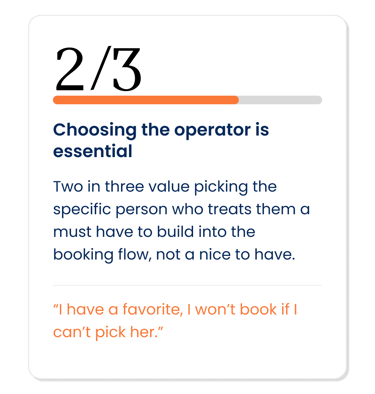
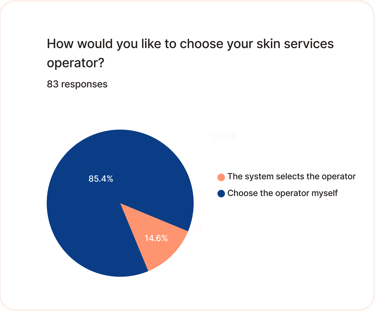
Operator Choice: Users value the option to choose their operator, making this a key feature to include.
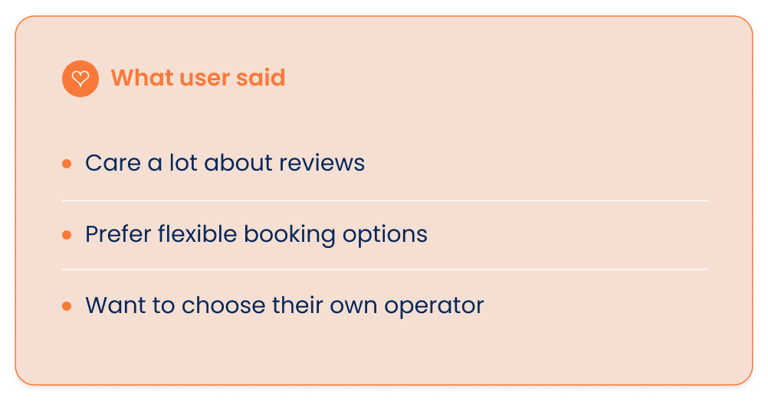
What Our Users Said?...
What Was The Business Saying?...
Care a lot about reviews
Prefer flexible booking options
Want the ability to choose their own operator
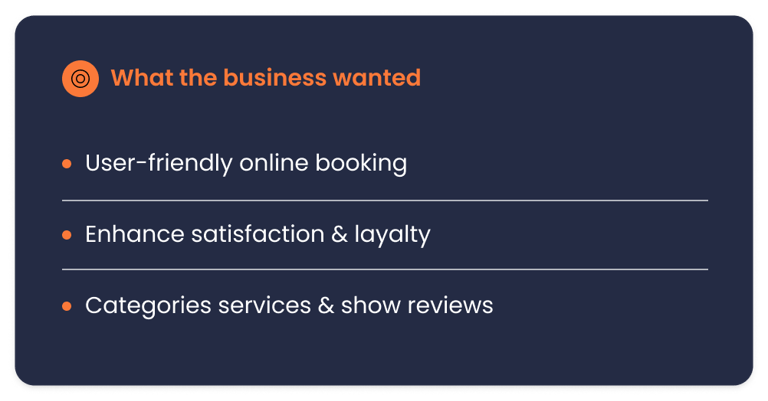
User-friendly online booking system.
Enhance customer satisfaction and loyalty
Categorize services effectively
Integrate customer reviews

User-friendly
Trust-building
Flexible
Accessible
Engaging
Takeaways
Competitive Analysis
Analyzing our competitors helped us decide what should be on the homepage. It provided
insights into the features, functions, and flows. As a result, we were able to identify
opportunities for creating a product that would differentiate itself from the competition.
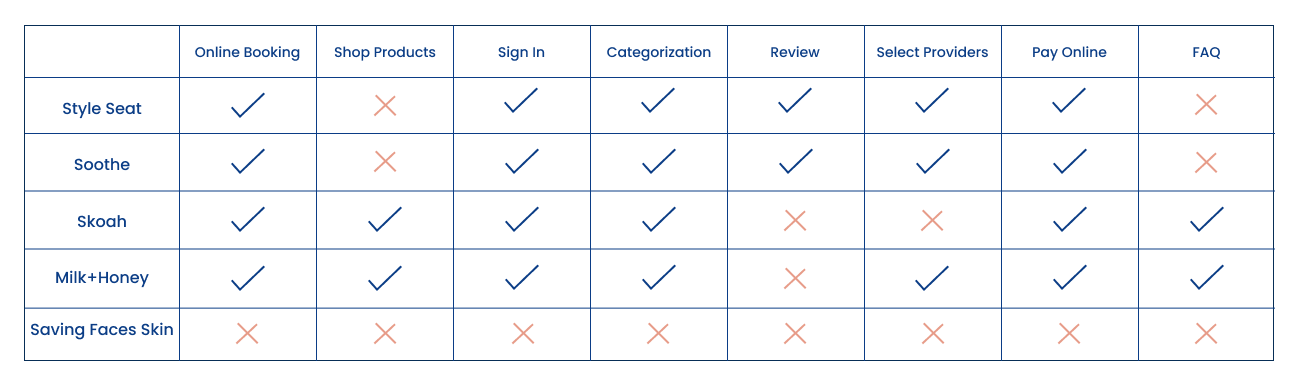
Key Missing Features
Online Booking
Shopping Products From Website
Service Categorization
Select providers
FAQ
Reviewing competitors' features helped identify effective navigation strategies for the booking process.
Analyzing competitors' approaches to checkout design informed a streamlined and efficient process.
Examining competitors' review sections highlighted the importance of a well-organized customer review area.
Adopting a minimal and clear design was reinforced as a best practice for creating a user-friendly experience.
Online Survey
To deepen our understanding of user preferences, we conducted a brief survey and collected insights from 83 respondents. Below are some key insights:
Reviews Matter: Participants emphasize the importance of reviews when selecting skincare services, facials, or operators.
Flexible Booking: Users prefer booking skincare services on an as-needed basis, highlighting the need for a user-friendly, on-demand booking system.
Operator Choice: Users value the option to choose their operator, making this a key feature to include.
Define
User Stories & Key Findings
After presenting our Heuristic Evaluation to stakeholders, we further explored the business's social media channels, identifying gaps in the website's content. Our UX research revealed that the business offers skincare products and hosts workshops—neither of which were featured on the existing site. We consulted with the business owner, who welcomed the addition of these elements, along with positive Yelp reviews to enhance credibility.
We integrated these insights into our website redesign, creating User Stories to align with customer and business needs. These stories were organized by priority (high vs. medium) to focus on the most critical aspects first.
Increase Online Bookings:
As a business, I want to simplify the online booking process so that customers can easily schedule appointments, leading to an increase in bookings.Enhance Customer Satisfaction:
As a customer, I want to quickly find the service I need and complete the booking process efficiently so that my experience is smooth and satisfying.
High Priority
Feature Workshops: As a business, I want to prominently feature information about our workshops on the website so that customers are aware of these offerings and can easily sign up.
Add Reviews: As a business, I want to showcase customer reviews on the website so that potential clients can see positive feedback and build trust in our services.
Highlight Skincare Products: As a business, I want to add our skincare products to the website so that customers can view and purchase these items alongside our primary services.
Medium Priority
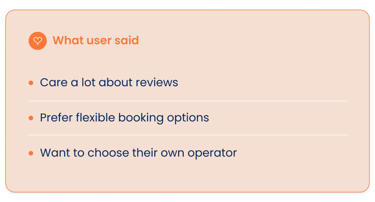
What Our Users Said?...
What Was The Business Saying?...
Care a lot about reviews
Prefer flexible booking options
Want the ability to choose their own operator
User-friendly online booking system.
Enhance customer satisfaction and loyalty
Categorize services effectively
Integrate customer reviews
User-friendly
Trust-building
Flexible
Accessible
Engaging
Where Are We Now?
Customer Journey Map
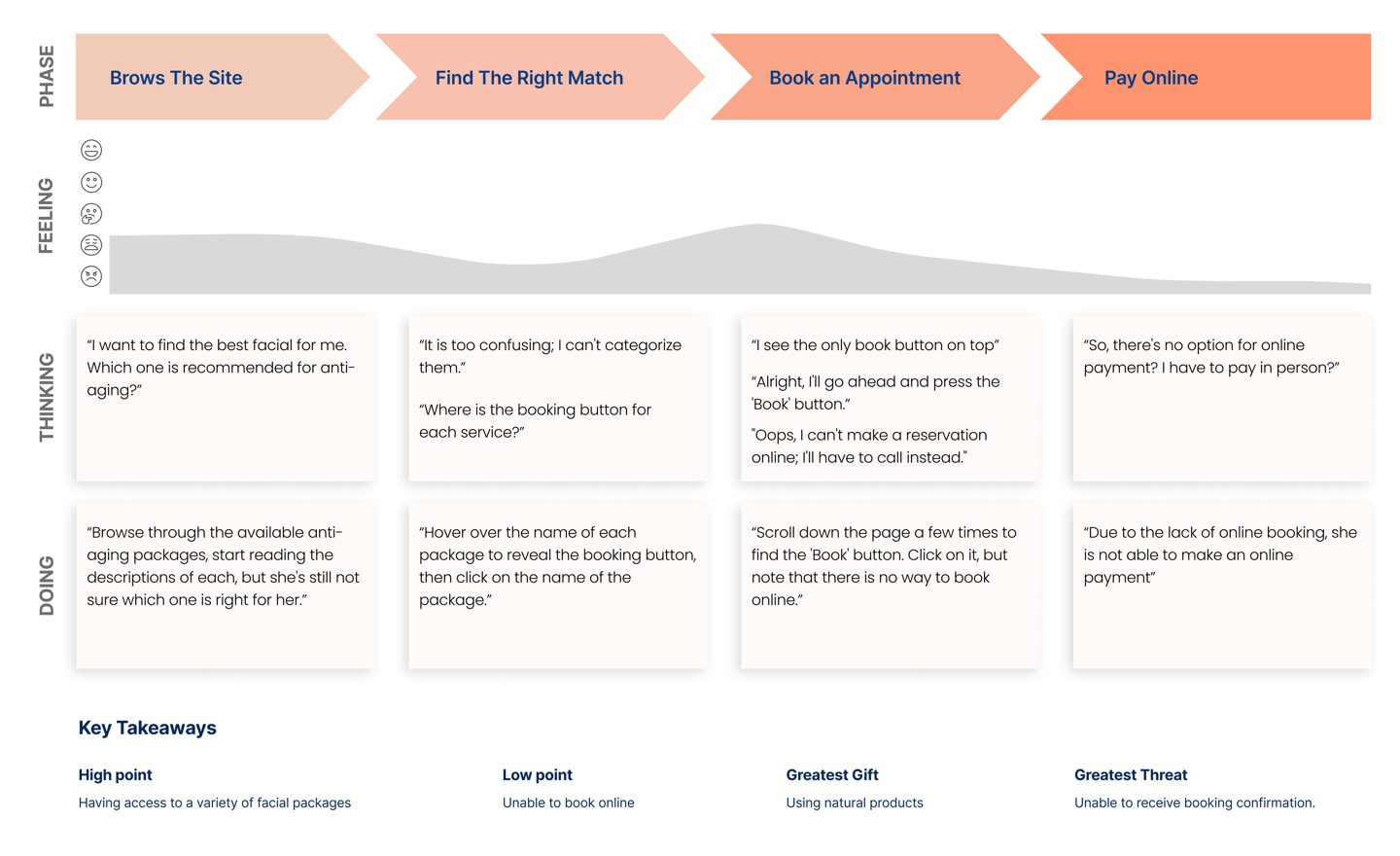
To conclude our research, we also used a user journey map to analyze the current state of the booking process for facial services.
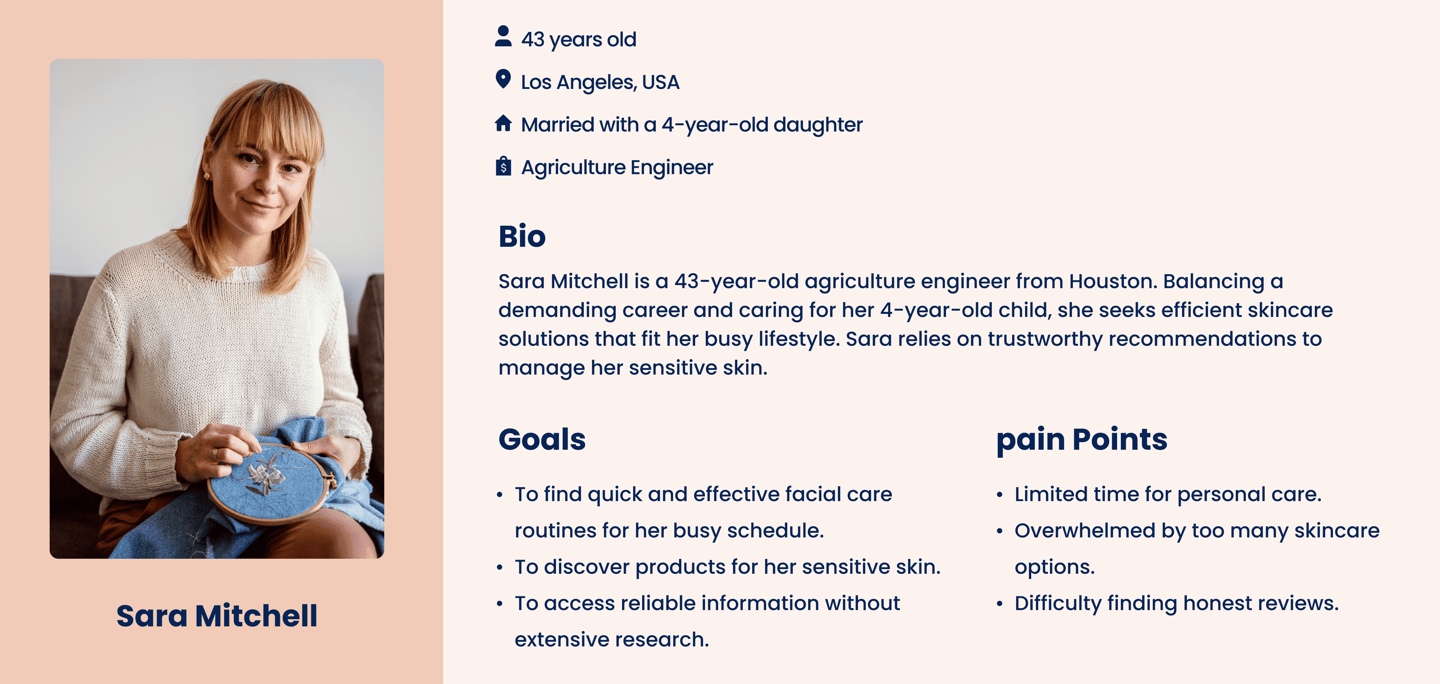
Who I Am Designing For?
The insights I gained from researches leading up to the persona. The main goal is to display those patterns and pain points, which allowed me to further empathize with users.
Information Architecture and Card Sorting
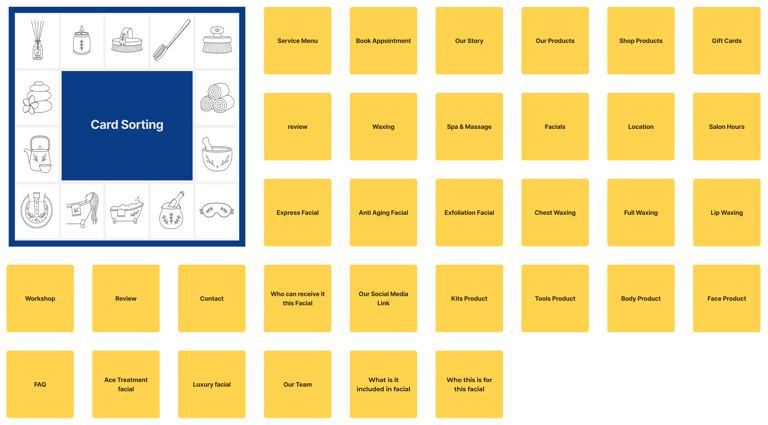
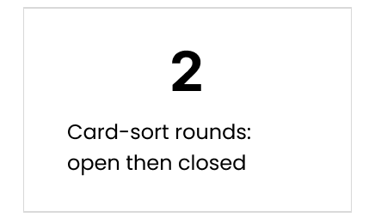
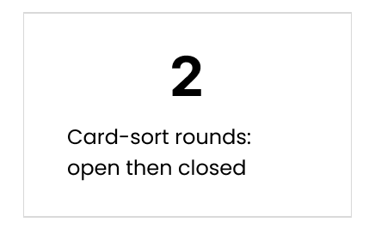
To optimize our website's navigation and improve user experience, we decided to utilize card sorting as a key research method. Initially, we conducted an open card sorting session where participants were asked to freely categorize various content items without any predefined structure. This approach provided a broad perspective on how users naturally group information, but the results were somewhat inconsistent and didn’t fully meet our expectations for a clear site structure.
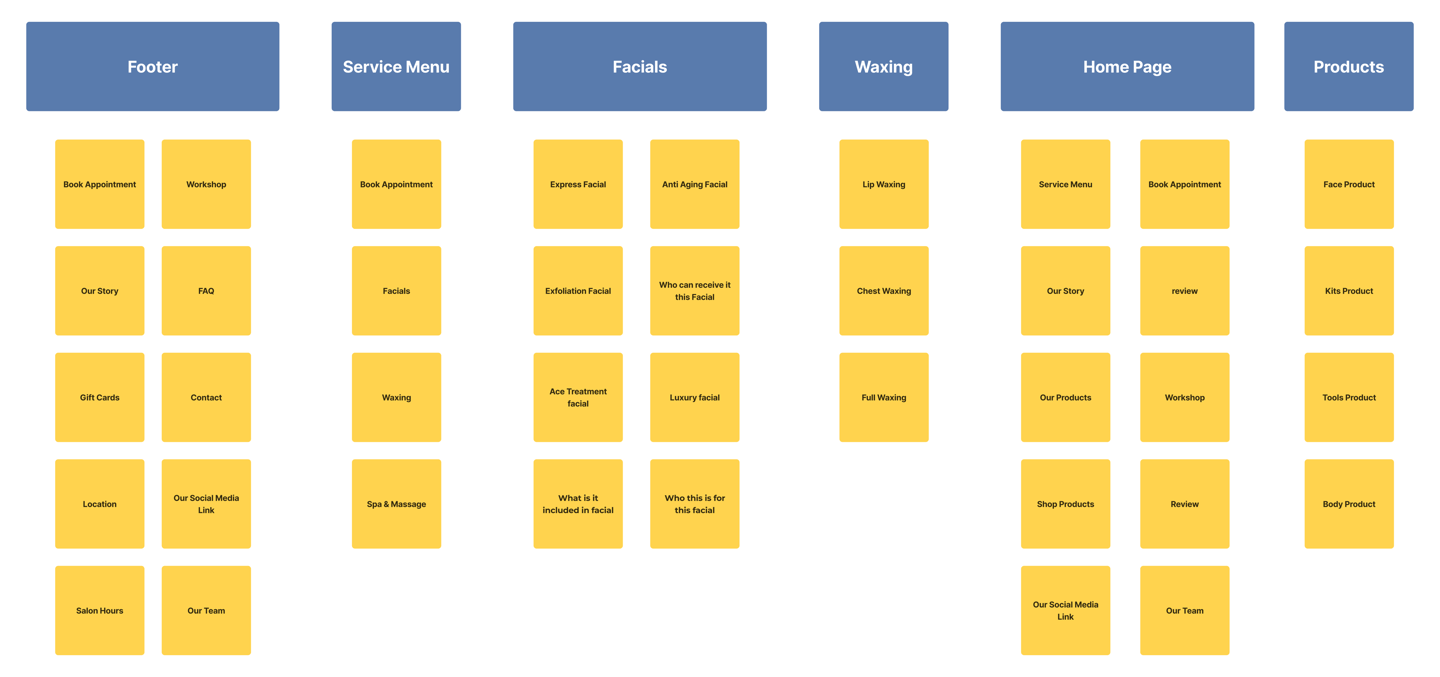
To address this, we followed up with a closed card sorting exercise. In this phase, we provided participants with specific categories and asked them to place the content items into these groups. This approach yielded more structured and actionable insights. Participants found it easier to categorize content, and their feedback helped us identify logical groupings and any overlaps in our initial design.
The combination of both open and closed card sorting sessions allowed us to refine our information architecture effectively, ensuring that the final design would be both intuitive and aligned with user expectations. This process was instrumental in creating a navigation system that enhanced usability and supported our overall design goals.
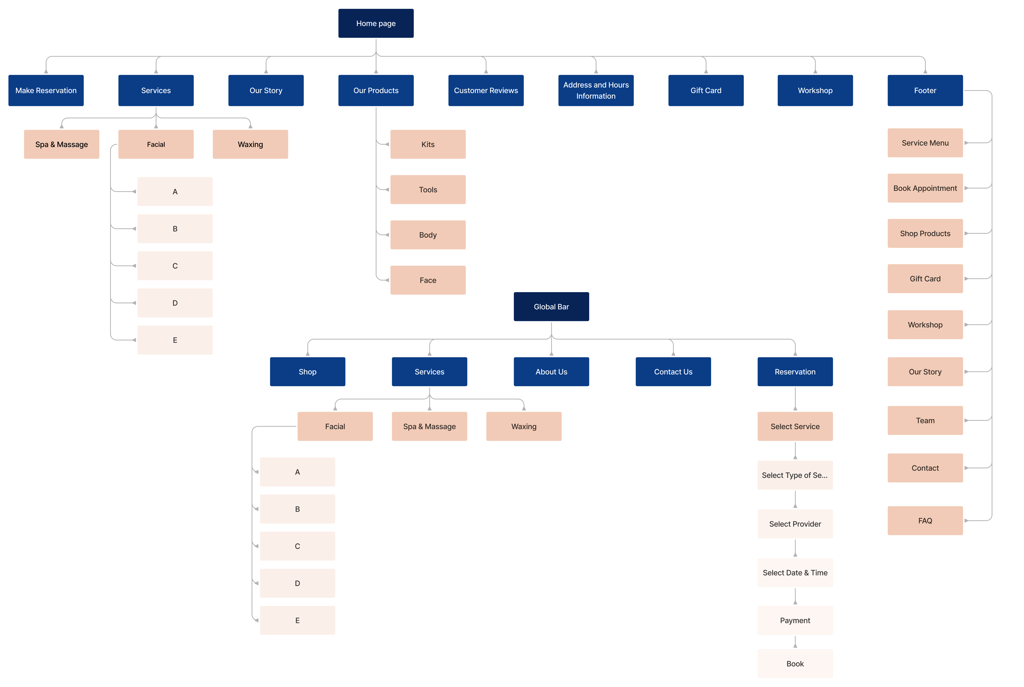
Site Map
To ensure our information architecture meets user expectations, we conducted six open card sorting sessions using the Optimal Workshop platform. After the initial exercise, we developed our first version and iteratively refined it based on user testing and competitive analysis.
Four challenges, four decisions
we can defend.
The heart of the project: the toughest problems our research surfaced, and exactly how we solved each one.
Challenge 1: Categorizing services without overwhelming anyone
DESIGN DECISIONS


Challenge 2: Killing the "should I call to check?" hesitation
Challenge 3: A "Book" button that actually books
Challenge 4: Putting trust (reviews) front and centre
A brand-true system, built to their colors.
The next step for us was Color Exploration. The Saving Faces stakeholders wanted to maintain the dark blue and peach colors that were already on their Salon and product packaging, but were open to exploring new colors and combinations. Our team explored different color palettes, some included their signature colors and others explored a more natural and earthy tone that was popular among other facial brands.
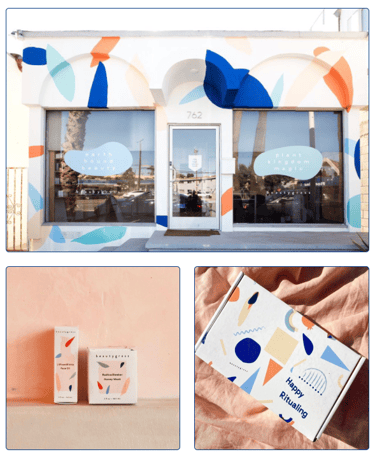
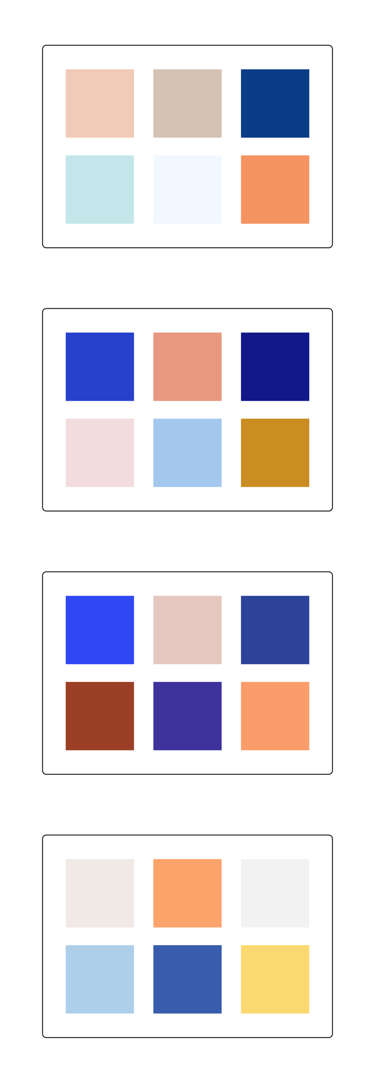
Saving Faces Salon & Product Packaging
DEVELOP & DELIVER
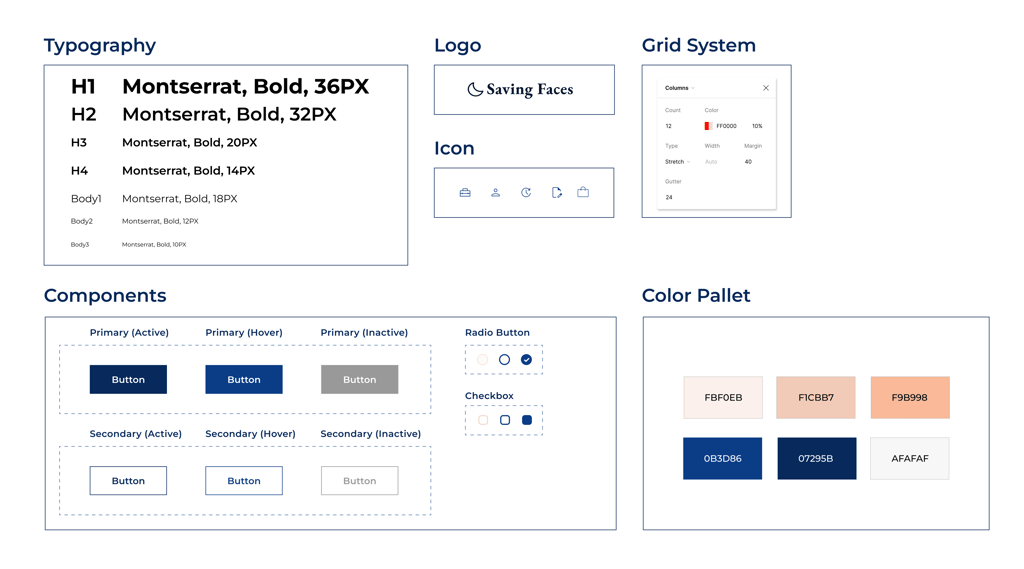
UI Kit
We developed a complete UI kit to serve as a reference for templates and components. This kit ensures that interface development is smooth, consistent, and efficient throughout the project.
A site that finally works the way the salon does.
We developed a complete UI kit to serve as a reference for templates and components. This kit ensures that interface development is smooth, consistent, and efficient throughout the project.
OUTCOME
Four challenges, four decisions
we can defend.
The heart of the project: the toughest problems our research surfaced, and exactly how we solved each one.
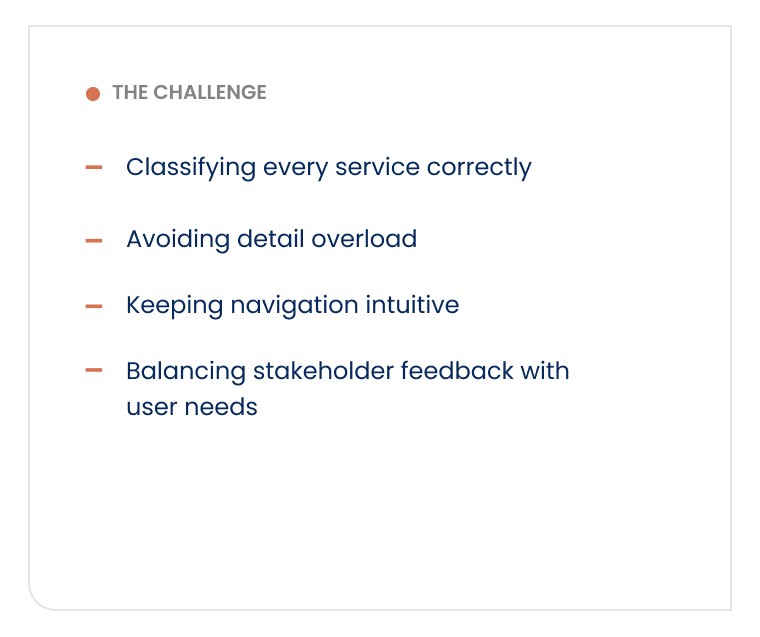
Challenge 1: Categorizing services without overwhelming anyone
Correct Classification: Ensuring services were accurately categorized.
Avoiding Overload: Preventing users from being overwhelmed with too much detail.
Clear Navigation: Keeping navigation straightforward and intuitive.
Balancing Feedback: Aligning stakeholder feedback with user needs.
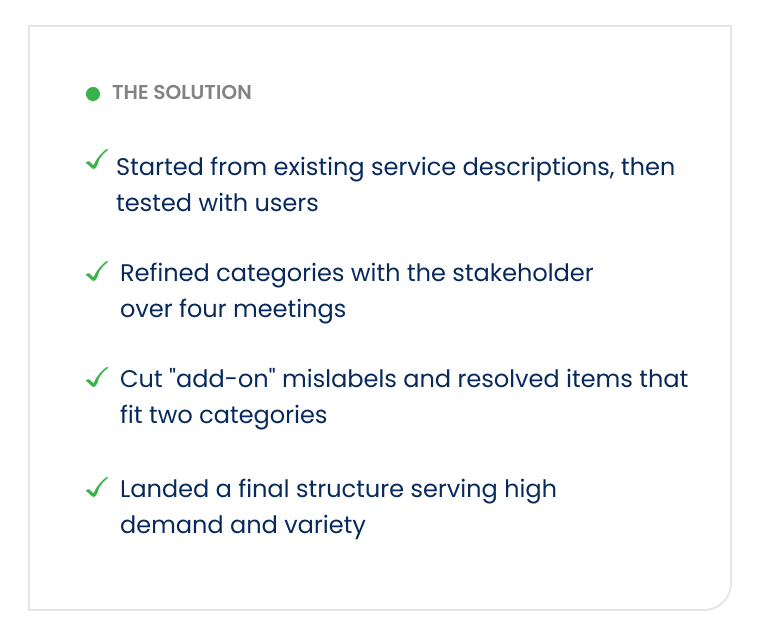
Solutions:
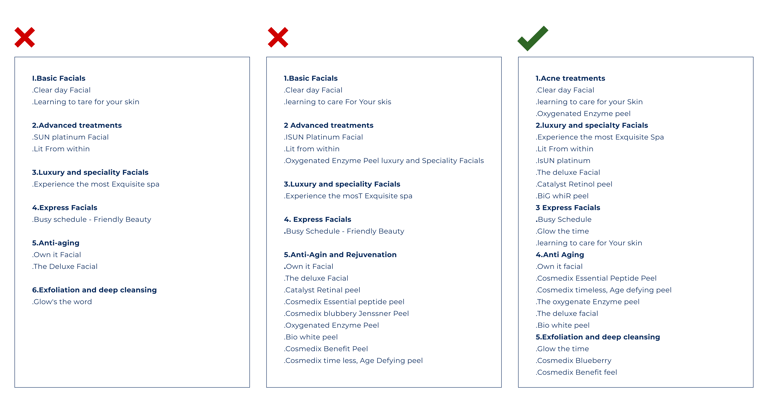
Initially, we categorized the services based on the existing descriptions, on the websile. After presenting these categories to the stakeholders, we recived feedback that some of the categories were not accurate. The stakeholder suggested additional categories that were very helpful.
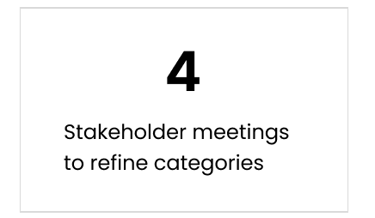
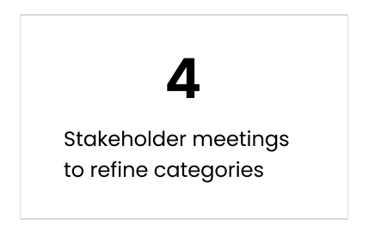
Through Four mectings with the Stakeholder , we refined the Categories. We concluded that the Final categorization, Which addresses the high demand and variety of services on the website, best meets the needs of users and the business.
Challenge 2:
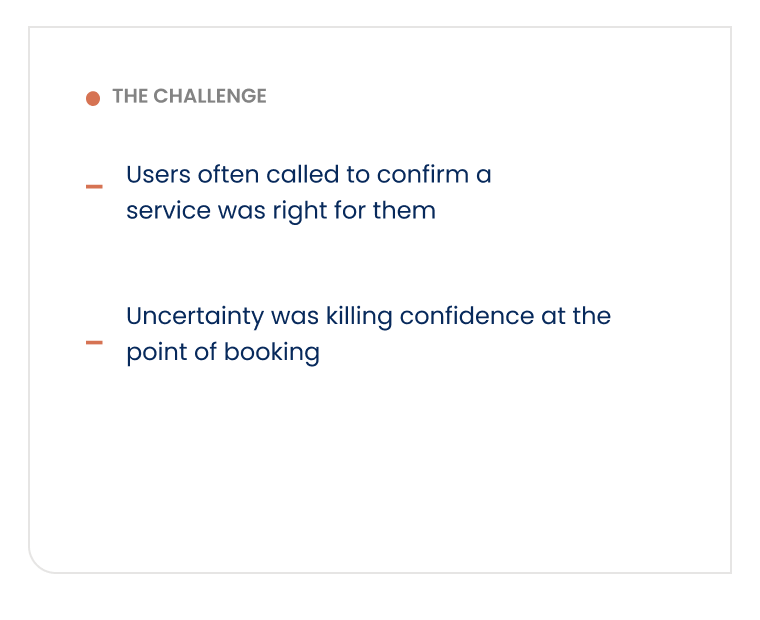
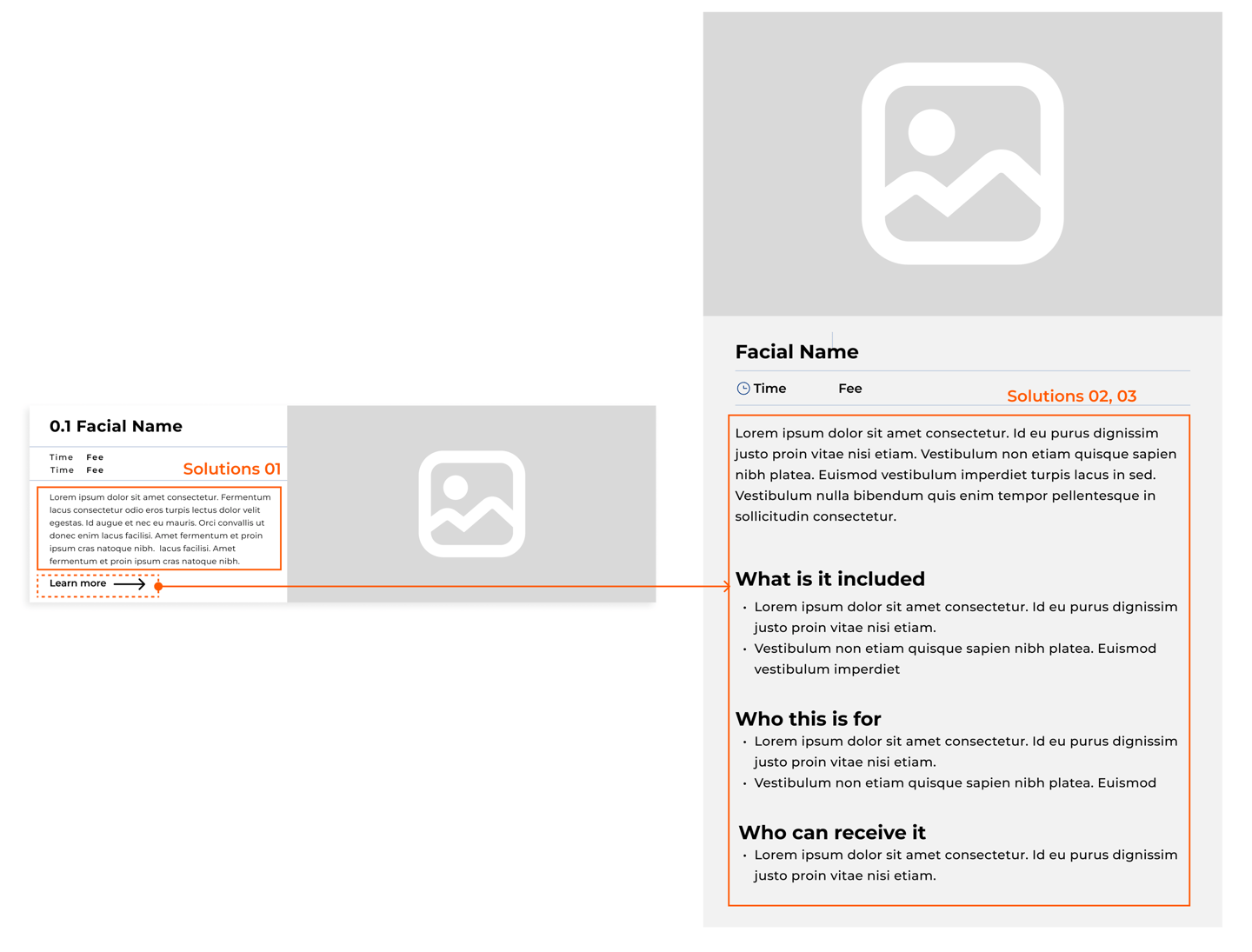
Users often call to confirm if the selected service is appropriate for their needs.
Reduce user uncertainty and improve Confidence in service selection.
Solutions:
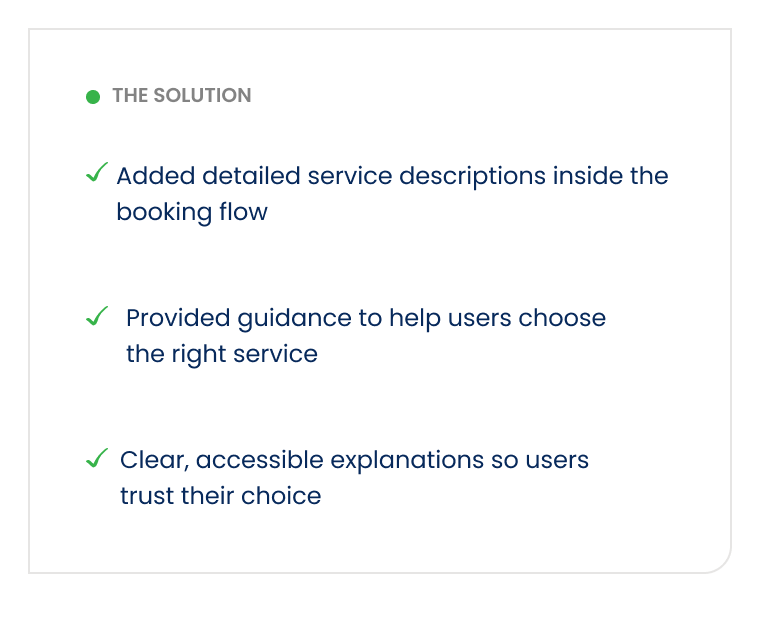
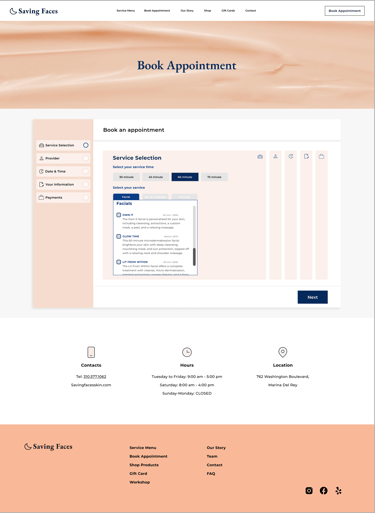
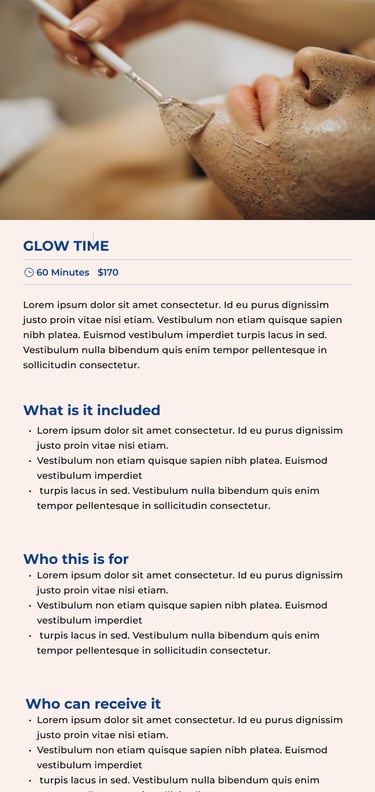
Added detailed service descriptions within the booking carts.
Provided extra information to guide users in choosing the most suitable services.
Implemented clear, accessible explanations to ensure users understand their choices.
Challenge 3:
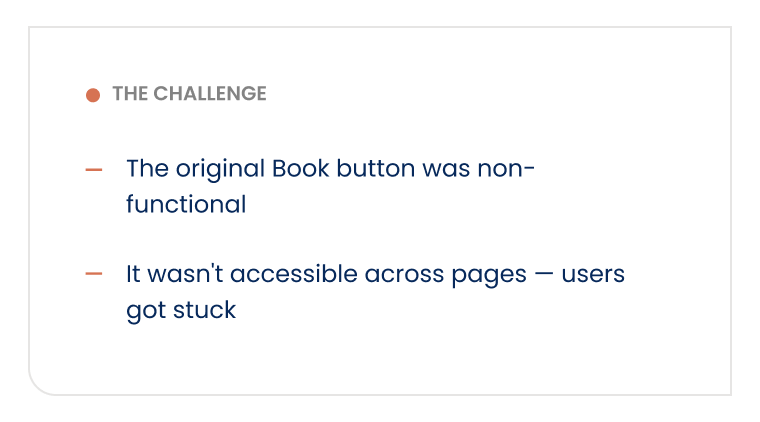
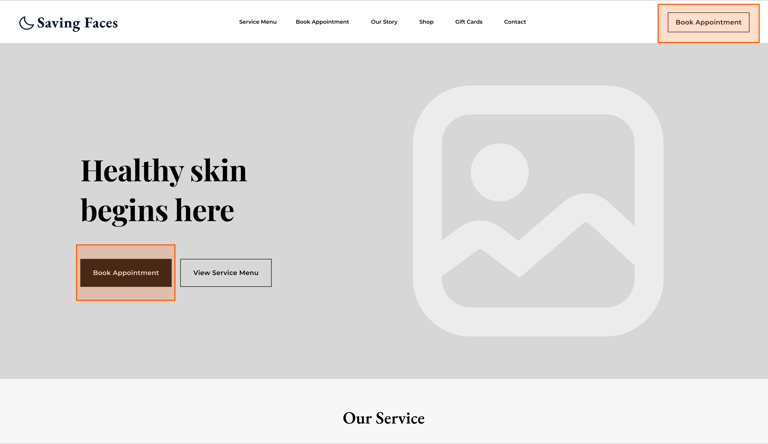
The original website's book button was not functional, making it difficult for users to schedule appointments. Additionally, the button was not easily accessible across different pages, creating frustration for users who wanted to book services quickly.
Solutions:
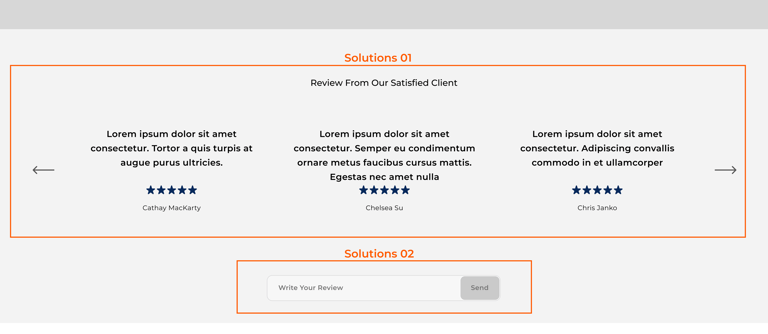
Challenge 4:
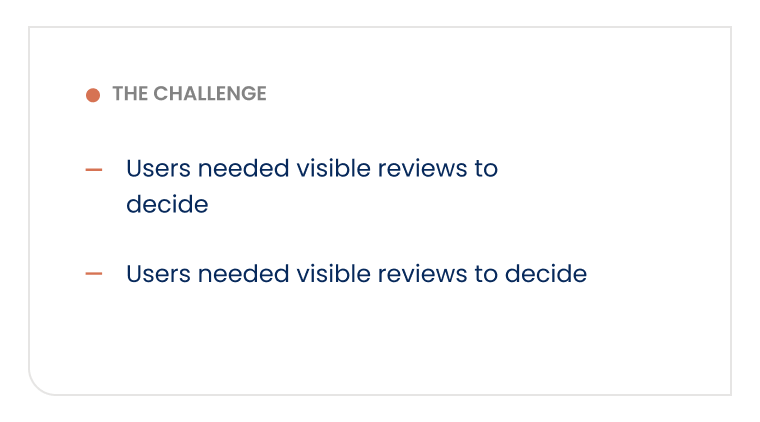
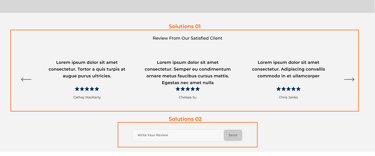
Users needed visible reviews to make informed decisions, and the stakeholder wanted to showcase the website's positive feedback.
Solutions:
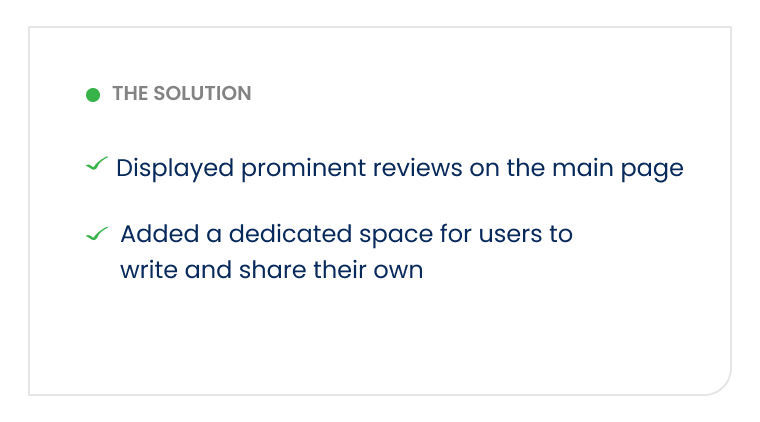
Displayed prominent reviews on the main page to enhance visibility and address user feedback.
Added a dedicated space on the website where users can easily write and share their own reviews, enhancing user engagement and providing valuable
"Home Page"
some services were mistakenly categorized as adds-ons Was not approved
some Items fit into two categories. Was not approved
Approved
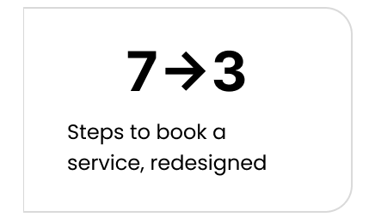
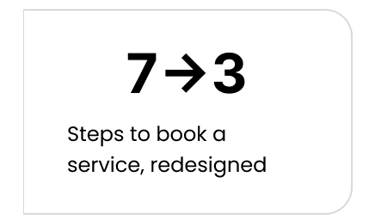
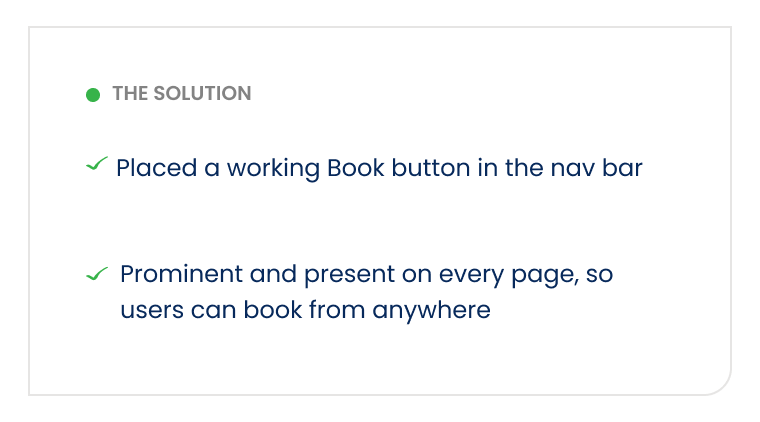
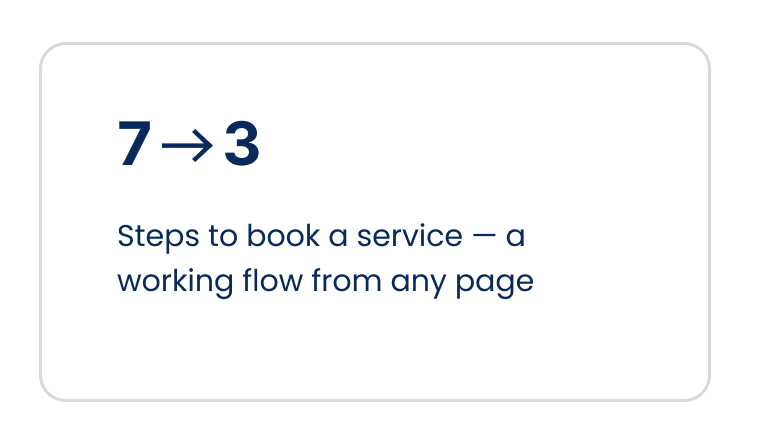
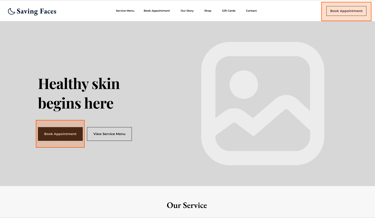
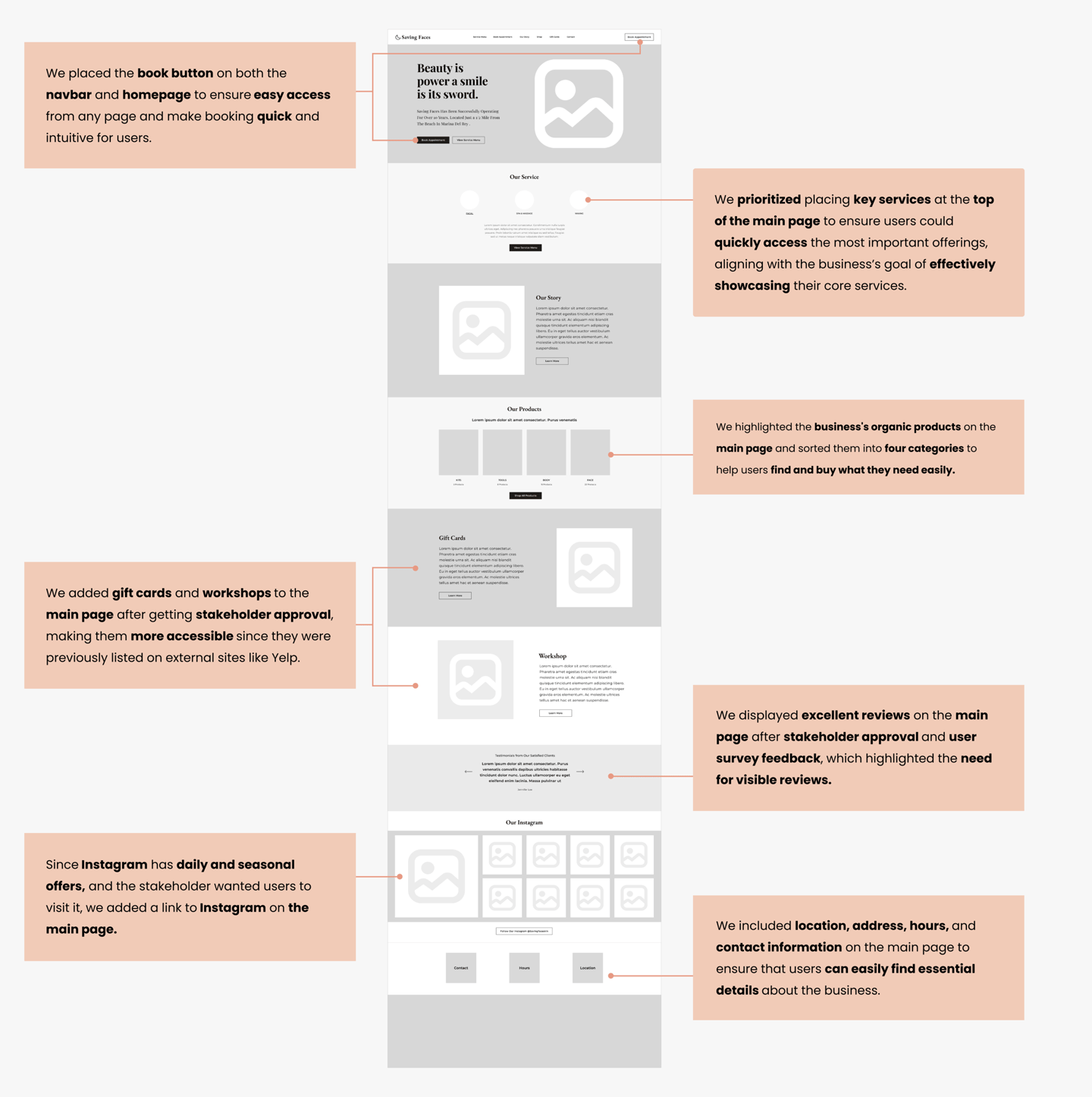
Placed a functional "Book" button on the navigation bar, ensuring it's prominently displayed and accessible on every page, allowing users to easily book appointments from anywhere on the site.
DESIGN DECISIONS
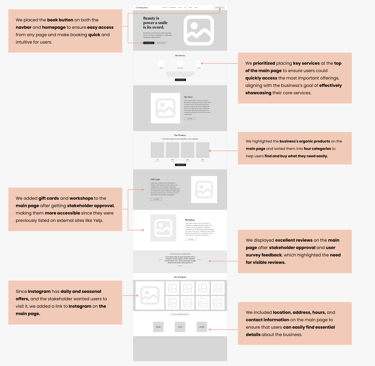
Mid-Fid Wireframe
Home Page
Deliver
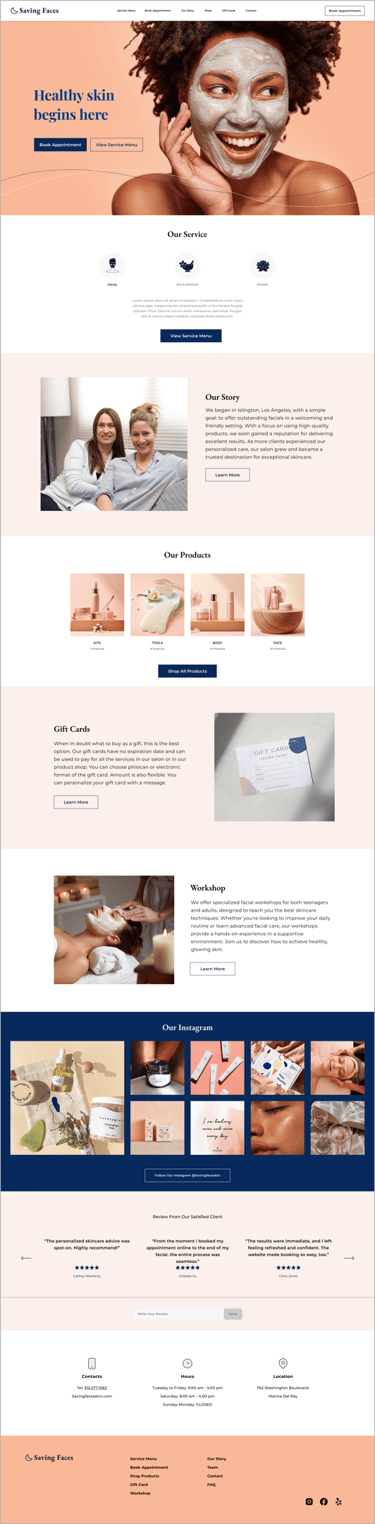
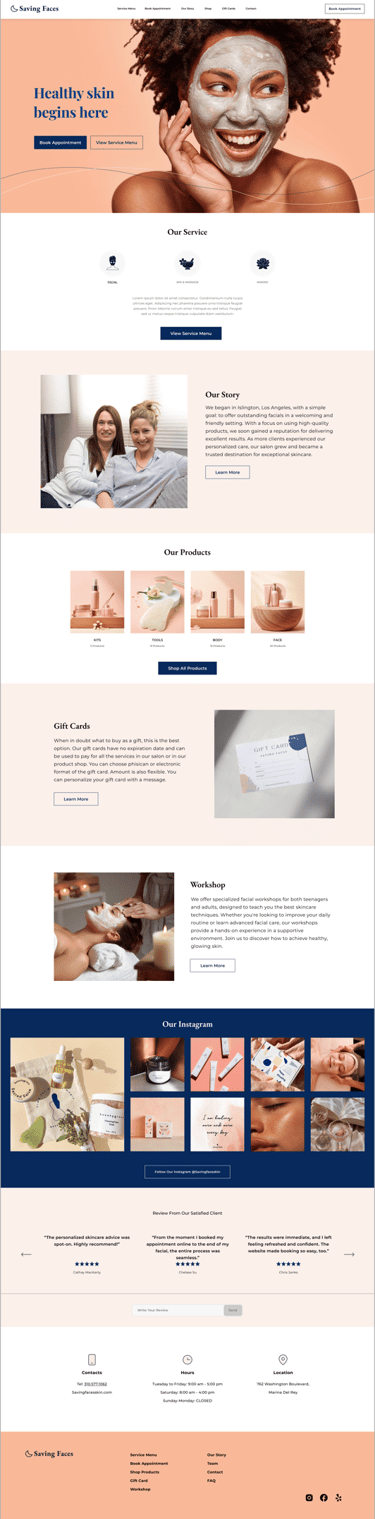
High-Fid Wireframe
Home Page
Prototype
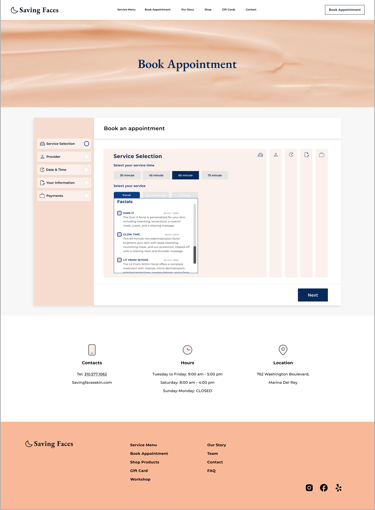
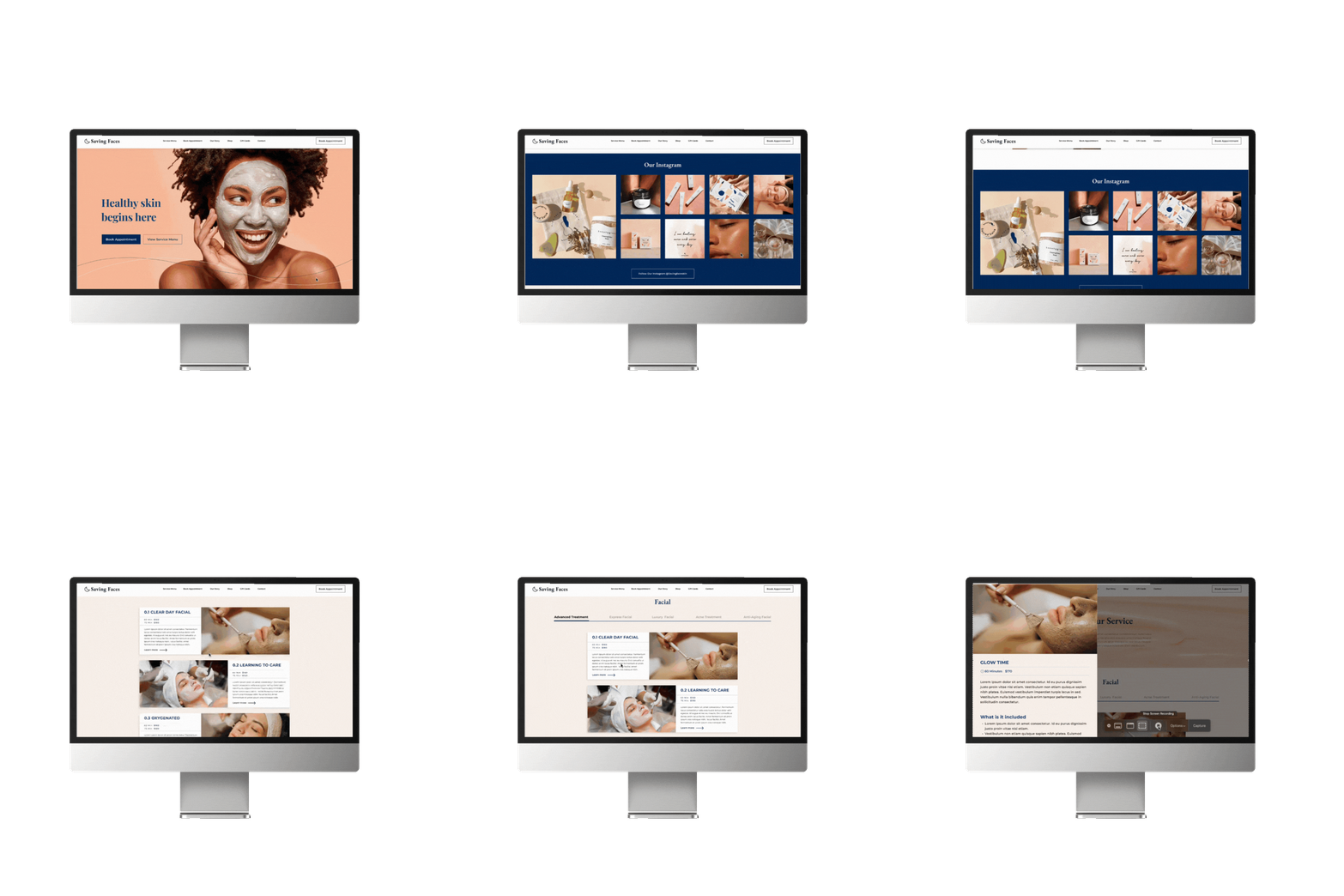
Here is the last prototype, displaying what we've achieved through our design process.
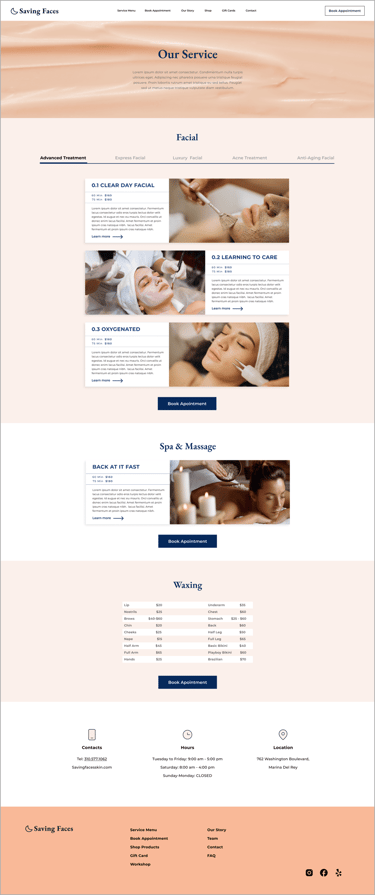
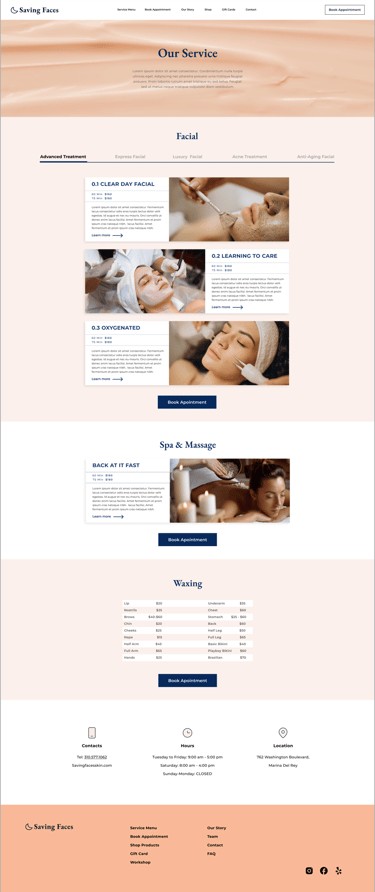
Service Page
Booking Page
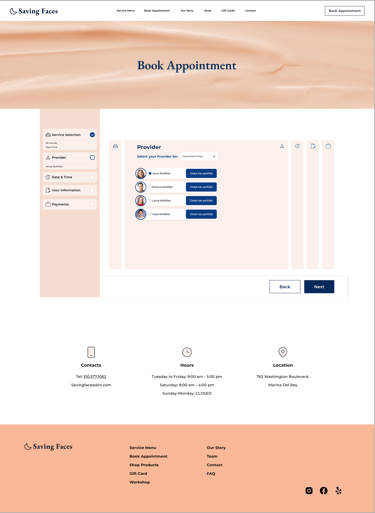
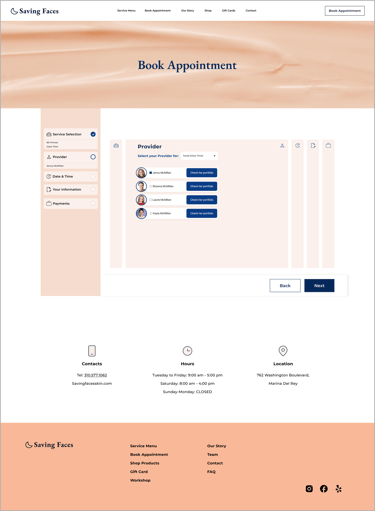
Choosing Operator Page
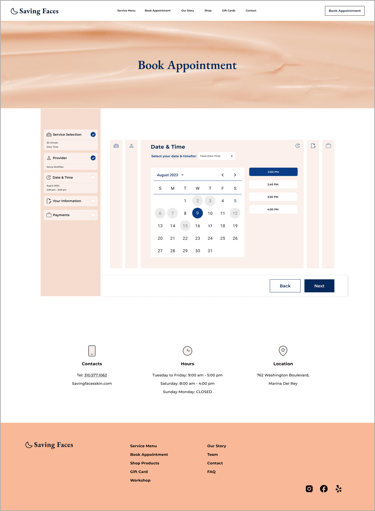
Choosing Date & Time Page
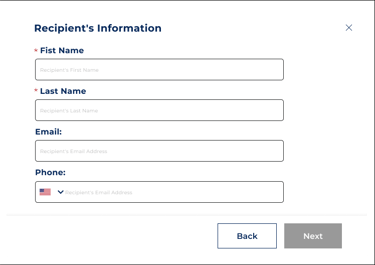
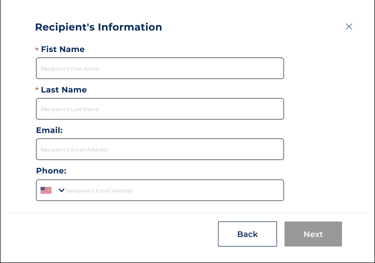
Recipient's Information pop up
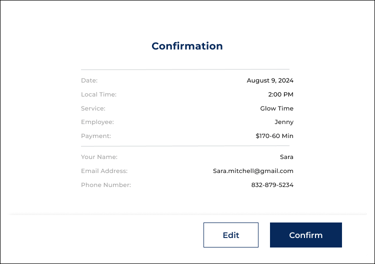
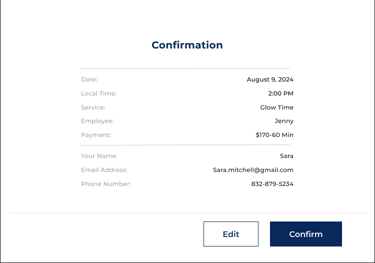
Confirmation pop up Page
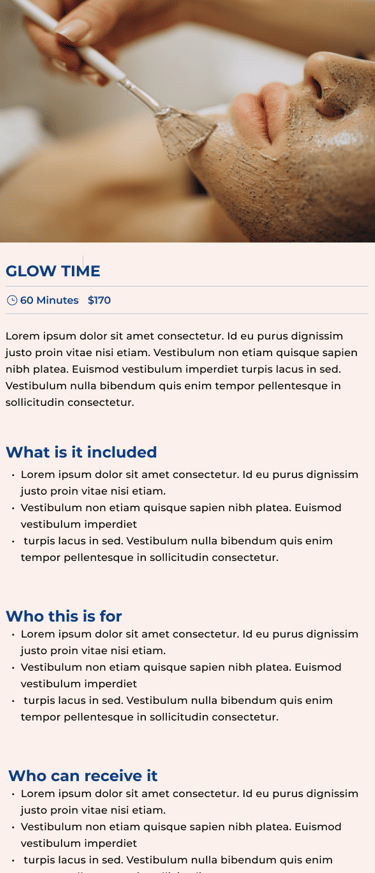
Service Learn More Pop Up
What this project taught me.
REFLECTION
What I learned
Research earns the right to redesign.
The 83-person survey and card sorts turned opinions into a structure everyone could agree on.
Stakeholder alignment is design work.
Four meetings to refine categories made the final IA both usable and business-true.
A UI kit is a team multiplier.
Shared components kept four designers consistent and sped up communication.
What's Next
Finalize the mobile version
to ensure the experience adapts across devices.
More usability testing & iteration
to refine the booking flow even further.

Reflections
What I have Learned?
The crucial role of research in enhancing product effectiveness.
Collaborating within the team ensured timely delivery and meeting deadlines.
Testing and iteration improved user-friendliness.
Developing a UI kit ensured consistency and eased communication.
What Next?
The next steps involve finalizing the mobile version of the design to ensure adaptability.
Following this, we'll enhance the user experience by conducting additional usability testing and iterations to refine the user flow further.